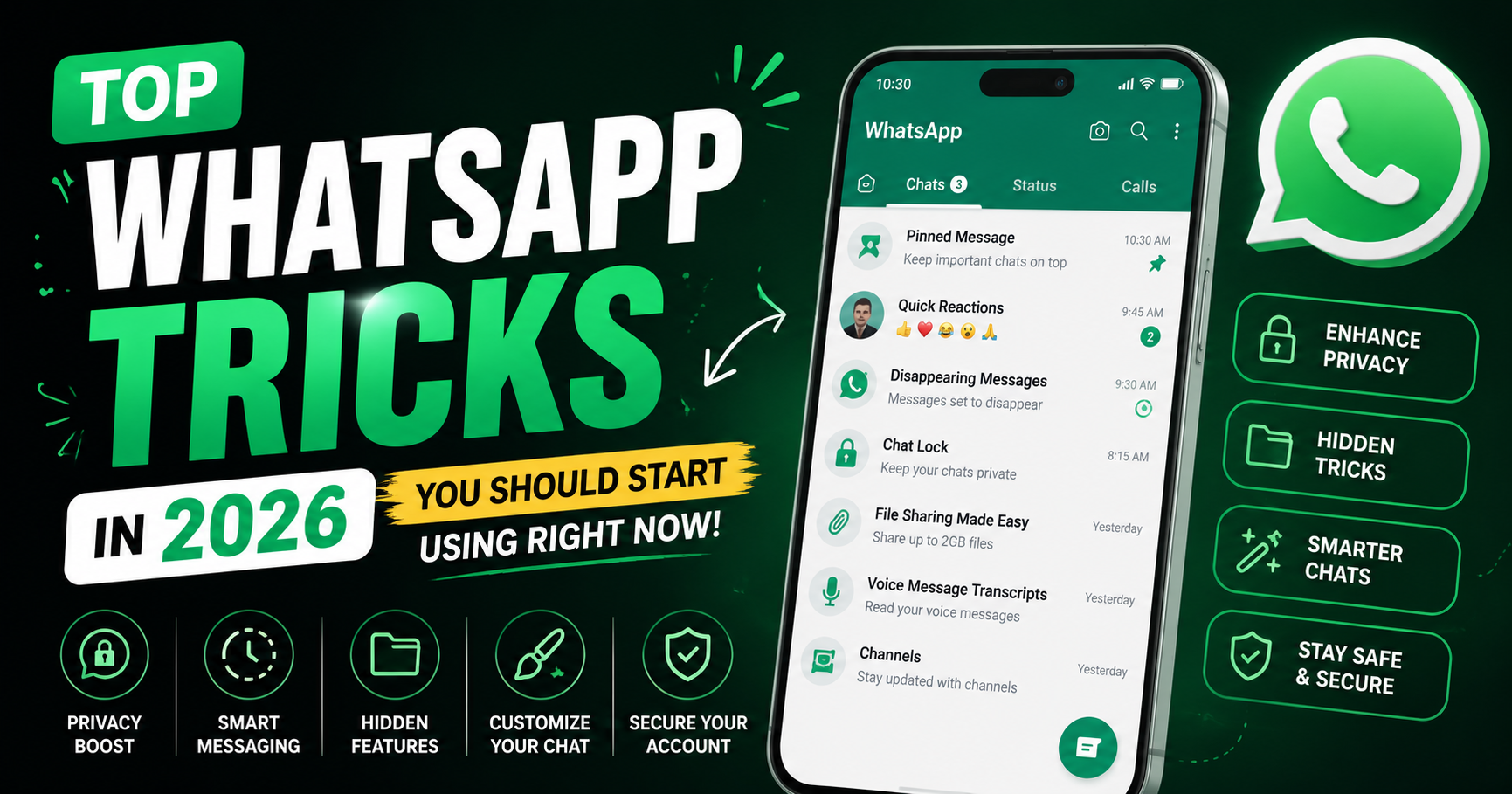
WhatsApp remains one of the most-used messaging apps in the world in 2026. Millions of people use it daily for:
- Personal chats
- Voice calls
- Video calls
- Business communication
- File sharing
- Online communities
But most users still use only the basic features of WhatsApp.
In reality, WhatsApp now includes many hidden tools and smart features that can improve:
- Privacy
- Productivity
- Messaging experience
- File sharing
- Group management
- Security
From AI-powered chat tools to advanced privacy settings, WhatsApp has evolved far beyond a simple messaging app.
In this article, we explore the top WhatsApp tricks in 2026 that every Android and iPhone user should know.
Why WhatsApp Is Smarter in 2026
WhatsApp has added several advanced features over the last few years.
Major Improvements Include
- AI-powered messaging tools
- Better privacy protection
- Cross-platform messaging improvements
- Multi-device support
- HD media sharing
- Advanced chat customization
These features make WhatsApp faster, smarter, and safer.
1. Lock Specific Chats with Secret Passwords
One of the best WhatsApp privacy tricks in 2026 is Chat Lock.
What It Does
You can:
- Lock specific chats
- Hide conversations
- Protect chats using fingerprint or password
Why It’s Useful
Perfect for:
- Private conversations
- Banking chats
- Personal information
How to Use It
- Open a chat
- Tap contact info
- Select “Chat Lock”
- Enable fingerprint or passcode
This greatly improves privacy.
2. Use AI Chat Summaries
WhatsApp now supports smart AI-powered summaries in many regions.
What It Does
AI can summarize:
- Long conversations
- Group chats
- Missed messages
Why It’s Helpful
Useful for:
- Busy professionals
- Students
- Large WhatsApp groups
You can quickly understand conversations without reading hundreds of messages.
3. Send HD Photos and Videos Without Losing Quality
Older versions of WhatsApp heavily compressed media.
In 2026, you can now send:
- HD photos
- HD videos
- High-quality documents
How to Enable HD Sharing
- Select photo or video
- Tap “HD” option before sending
- Send in high quality
Best For
- Creators
- Students
- Business users
4. Use WhatsApp on Multiple Devices
WhatsApp now supports advanced multi-device functionality.
What You Can Do
Use the same WhatsApp account on:
- Smartphone
- Tablet
- Laptop
- Secondary phone
without disconnecting the main device.
Why It’s Useful
Perfect for:
- Work usage
- Business communication
- Students using tablets
5. Hide Online Status from Specific People
Privacy controls have improved significantly.
You Can Now Hide
- Online status
- Last seen
- Profile photo
- Status updates
from selected contacts.
Why It Matters
You gain better control over personal privacy.
6. Edit Sent Messages
Made a typo after sending a message?
You can now edit messages directly.
How It Works
- Long press the message
- Tap “Edit”
- Modify the text
Time Limit
Editing works within a limited time after sending.
7. Use Voice Message Transcription
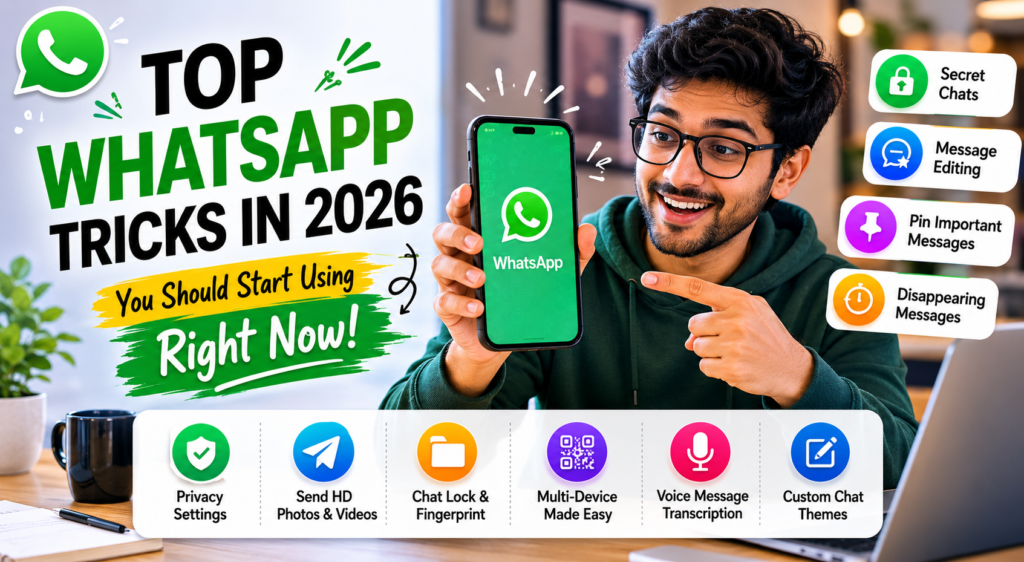
WhatsApp now supports AI-powered voice transcription.
What It Does
Voice notes can automatically convert into text.
Why It’s Useful
Helpful when:
- You are in meetings
- In noisy places
- Unable to listen to audio
This feature improves convenience greatly.
8. Share Screen During Video Calls
Screen sharing is now built directly into WhatsApp video calls.
Useful For
- Online teaching
- Presentations
- Technical support
- Group discussions
You can easily show:
- Apps
- Documents
- Photos
- Presentations
during calls.
9. Create AI Wallpapers for Chats
Some WhatsApp versions now support AI-generated wallpapers.
What It Does
AI creates personalized backgrounds based on prompts.
Example
You can generate wallpapers like:
- Space themes
- Nature themes
- Anime art
- Minimal backgrounds
This improves chat customization.
10. Pin Important Messages
Important messages often get lost in busy chats.
Pinning Helps You
- Save reminders
- Highlight important information
- Quickly access useful messages
Perfect for:
- Students
- Office groups
- Family planning
11. Use Disappearing Messages
Disappearing messages improve privacy.
Messages Can Auto-Delete After
- 24 hours
- 7 days
- 90 days
Why It’s Useful
Great for:
- Temporary conversations
- Private discussions
- Reducing chat clutter
12. Search Messages More Efficiently
WhatsApp search is smarter in 2026.
You Can Search By
- Photos
- Videos
- Links
- Documents
- Voice notes
- Keywords
This saves a lot of time.
13. Schedule Events Inside WhatsApp Groups
Some group features now support:
- Event scheduling
- Reminders
- Meeting planning
Perfect for:
- College groups
- Teams
- Family events
14. Use WhatsApp Channels
WhatsApp Channels are becoming increasingly popular.
Channels Help Users
- Follow creators
- Get news updates
- Receive announcements
without traditional group chat clutter.
15. Protect Your Account with Passkeys
Security is becoming more important than ever.
WhatsApp Passkeys Help Prevent
- Account hacking
- OTP theft
- Unauthorized logins
Passkeys are safer than traditional passwords.
Best WhatsApp Privacy Settings in 2026
Recommended Privacy Settings
- Enable two-step verification
- Hide online status
- Use chat lock
- Restrict profile visibility
- Enable passkeys
These settings improve account security significantly.
Best WhatsApp Features for Students
Students can benefit from:
- Message pinning
- Voice transcription
- Screen sharing
- Event scheduling
WhatsApp is increasingly becoming a productivity app.
Best WhatsApp Features for Business Users
Business users benefit from:
- Multi-device support
- AI summaries
- HD media sharing
- Scheduled events
WhatsApp is now heavily used for work communication.
Common WhatsApp Mistakes Users Make
Many users:
- Ignore privacy settings
- Skip backups
- Use weak security
- Share sensitive data carelessly
Smart usage improves both safety and experience.
Future of WhatsApp in 2026 and Beyond
Future WhatsApp updates may include:
- More advanced AI assistants
- Better business tools
- AI-generated replies
- Real-time language translation
- Improved cross-platform messaging
WhatsApp is evolving into a complete communication platform.
Final Verdict
WhatsApp in 2026 is far more powerful than most users realize. Features like:
- Chat Lock
- AI summaries
- Voice transcription
- HD sharing
- Screen sharing
- Multi-device support
make the app smarter, safer, and more productive.
Whether you are:
- A student
- Professional
- Creator
- Business user
these WhatsApp tricks can improve your daily messaging experience significantly.
Learning these hidden features helps users unlock the full potential of WhatsApp in 2026.
