Smartphones have become one of the most important parts of daily life in 2026. People now use their phones for:
- Banking
- Social media
- Work
- Shopping
- Online payments
- Personal communication
But as smartphones become smarter, cyber threats are also growing rapidly.
Hackers are constantly targeting Android and iPhone users through:
- Fake apps
- Phishing links
- Public Wi-Fi attacks
- Malware
- AI-powered scams
Many users believe hacking only happens to celebrities or businesses, but ordinary smartphone users are now common targets too.
The good news is that most smartphone hacking attempts can be prevented with proper security habits and settings.
In this guide, you’ll learn how to protect your smartphone from hacking in 2026, including practical security tips for both Android and iPhone users.

Why Smartphone Security Matters More in 2026
Modern smartphones store highly sensitive information:
- Passwords
- Banking apps
- Private photos
- Work documents
- Personal messages
A hacked smartphone can lead to:
- Financial loss
- Identity theft
- Social media account theft
- Privacy invasion
As AI-powered cyberattacks increase, smartphone security is more important than ever.
1. Use a Strong Lock Screen
The first step to protecting your phone is securing the lock screen.
Best Security Options:
- Fingerprint unlock
- Face unlock
- Strong PIN code
- Password lock
Avoid weak PINs like:
- 1234
- 0000
- Birth dates
A strong lock screen prevents unauthorized access if your phone is lost or stolen.
2. Keep Your Phone Updated
Software updates are extremely important.
Updates often include:
- Security patches
- Bug fixes
- Protection against new threats
Both Android and iPhone regularly release security updates to block vulnerabilities.
Tip:
Enable automatic updates whenever possible.
3. Download Apps Only From Official Stores
One of the biggest hacking risks comes from fake apps.
Always download apps from:
- Google Play Store
- App Store
Avoid:
- APK files from unknown websites
- Cracked apps
- Modified apps
These often contain malware or spyware.
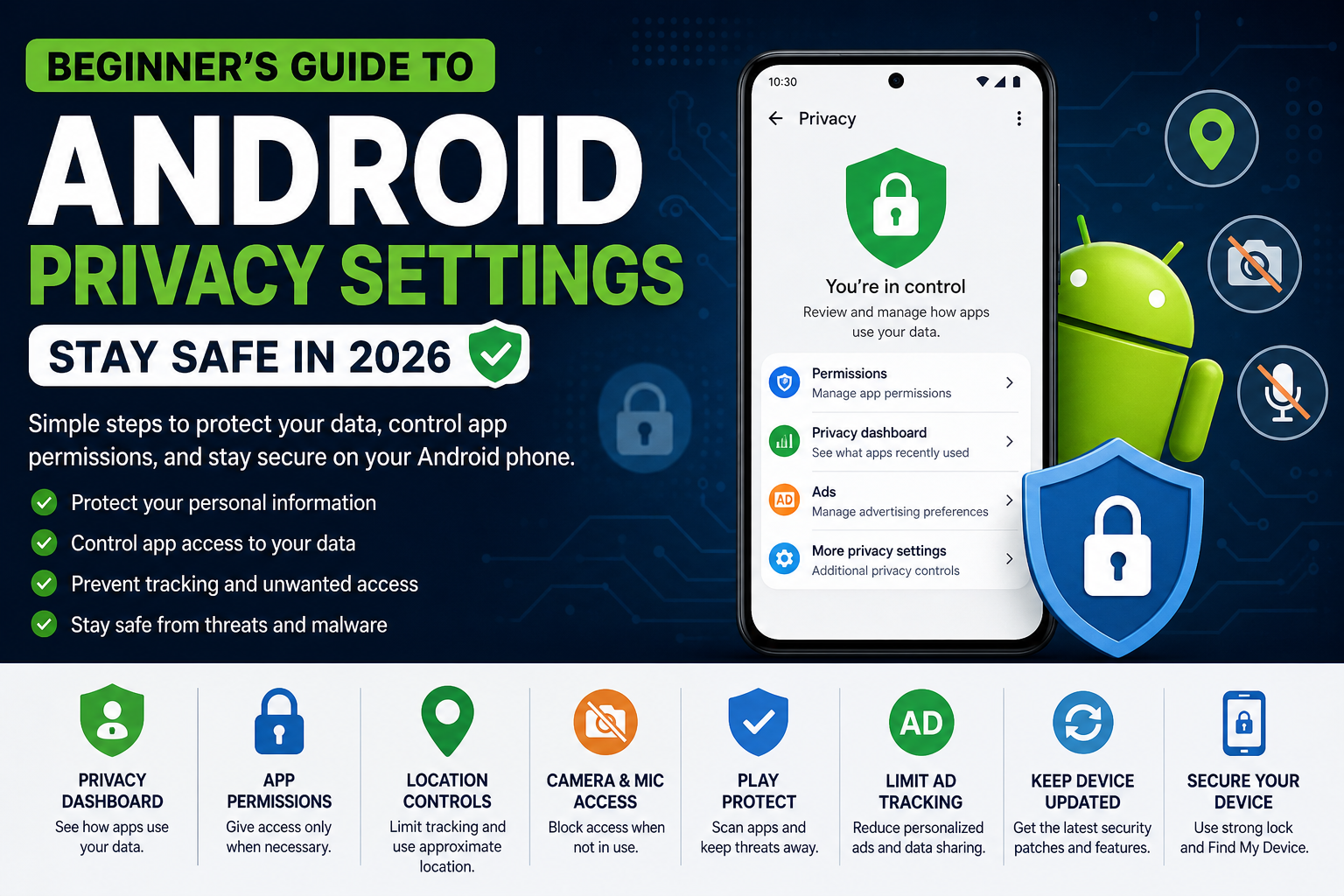
4. Check App Permissions Carefully
Many apps request unnecessary permissions.
For example:
- Flashlight apps requesting contacts access
- Editing apps asking for microphone access
Review permissions regularly.
Important Permissions to Monitor:
- Camera
- Microphone
- Location
- Contacts
- Storage
Only allow what is necessary.
5. Avoid Public Wi-Fi Without Protection
Public Wi-Fi networks are risky because hackers can intercept data.
Avoid using public Wi-Fi for:
- Banking
- Online payments
- Password logins
If necessary, use a trusted VPN service for added security.
6. Turn On Two-Factor Authentication (2FA)
Two-factor authentication adds an extra security layer.
Even if someone steals your password, they still need:
- Verification code
- Authentication approval
Enable 2FA for:
- Email accounts
- Social media
- Banking apps
- Cloud storage
7. Beware of Phishing Links
Phishing scams are becoming more advanced in 2026.
Hackers may send fake links through:
- SMS
These links may steal:
- Passwords
- OTP codes
- Banking information
Warning Signs:
- Urgent messages
- Fake prize claims
- Suspicious login pages
Never click unknown links carelessly.
8. Use Strong & Unique Passwords
Avoid using the same password everywhere.
Good passwords should include:
- Uppercase letters
- Numbers
- Symbols
Example:
StrongPassword#2026
Weak passwords are one of the easiest ways hackers gain access.
9. Enable Find My Device Features
Both Android and iPhone offer device tracking tools.
Android:
Find My Device
iPhone:
Find My iPhone
These tools help:
- Track lost phones
- Lock devices remotely
- Erase data if necessary
10. Avoid Charging From Unknown USB Ports
Public charging stations may sometimes be unsafe.
Hackers can potentially use modified USB ports to:
- Access data
- Install malware
Use:
- Your own charger
- Trusted power banks
whenever possible.

11. Install Security Apps Carefully
Some antivirus apps help improve protection.
However:
- Avoid fake cleaner apps
- Avoid suspicious security apps
Only install trusted security tools from verified developers.
12. Watch for Signs Your Phone May Be Hacked
Common warning signs include:
- Fast battery drain
- Overheating
- Unknown apps appearing
- Excessive ads
- Strange popups
- High data usage
- Slow performance
If you notice multiple symptoms, investigate immediately.
13. Turn Off Bluetooth & Wi-Fi When Not Needed
Leaving Bluetooth or Wi-Fi enabled constantly increases exposure.
Disable them when unused to:
- Improve security
- Save battery life
14. Back Up Your Data Regularly
Backups protect your information if:
- Your phone is hacked
- Malware damages files
- The device is stolen
Use trusted cloud services or external storage backups.
15. Avoid Rooting or Jailbreaking
Rooted Android phones and jailbroken iPhones bypass security protections.
While they allow customization, they also:
- Increase hacking risk
- Remove important security barriers
For most users, rooting is not worth the risk.
16. Use Encrypted Messaging Apps
Secure messaging apps help protect conversations.
Apps with strong encryption offer:
- Better privacy
- Safer communication
Encryption prevents unauthorized message access.
17. Monitor Banking & Payment Apps Carefully
Banking apps are major targets for hackers.
Always:
- Enable app lock
- Use fingerprint security
- Monitor transaction alerts
Never share:
- OTPs
- PINs
- Banking passwords
18. Be Careful With AI Scams
AI-generated scams are increasing rapidly.
Scammers now use:
- AI voice cloning
- Fake videos
- AI-generated messages
Always verify suspicious requests before responding.
Android vs iPhone Security in 2026
Android Security
Android now offers:
- AI scam detection
- Better app permissions
- Improved malware protection
However, security can vary depending on the phone brand.
iPhone Security
Apple focuses heavily on:
- Privacy
- Secure app ecosystem
- On-device protection
iPhones are generally considered more controlled and secure.
Common Smartphone Security Mistakes
- Using weak passwords
- Ignoring software updates
- Downloading apps from unknown sources
- Clicking suspicious links
- Connecting to unsafe Wi-Fi networks
Avoiding these mistakes greatly improves security.
Future of Smartphone Security
Future smartphone protection may include:
- AI-powered threat detection
- Smarter biometric security
- Advanced scam prevention
- Real-time malware blocking
AI is expected to play a major role in mobile cybersecurity.
What To Do If Your Phone Gets Hacked
If you suspect hacking:
- Disconnect from the internet
- Change passwords immediately
- Remove suspicious apps
- Run security scans
- Factory reset if necessary
- Contact your bank if financial apps are affected
Act quickly to reduce damage.
Conclusion
Smartphone hacking threats are increasing rapidly in 2026, but most attacks can be prevented through smart security habits.
By:
- Keeping your phone updated
- Using strong passwords
- Avoiding suspicious apps
- Enabling two-factor authentication
you can greatly reduce the risk of hacking.
Whether you use Android or iPhone, smartphone security should always be a priority because modern phones now store some of the most important parts of our digital lives.
Staying alert and following simple security practices can keep your personal data safe from hackers and online scams.