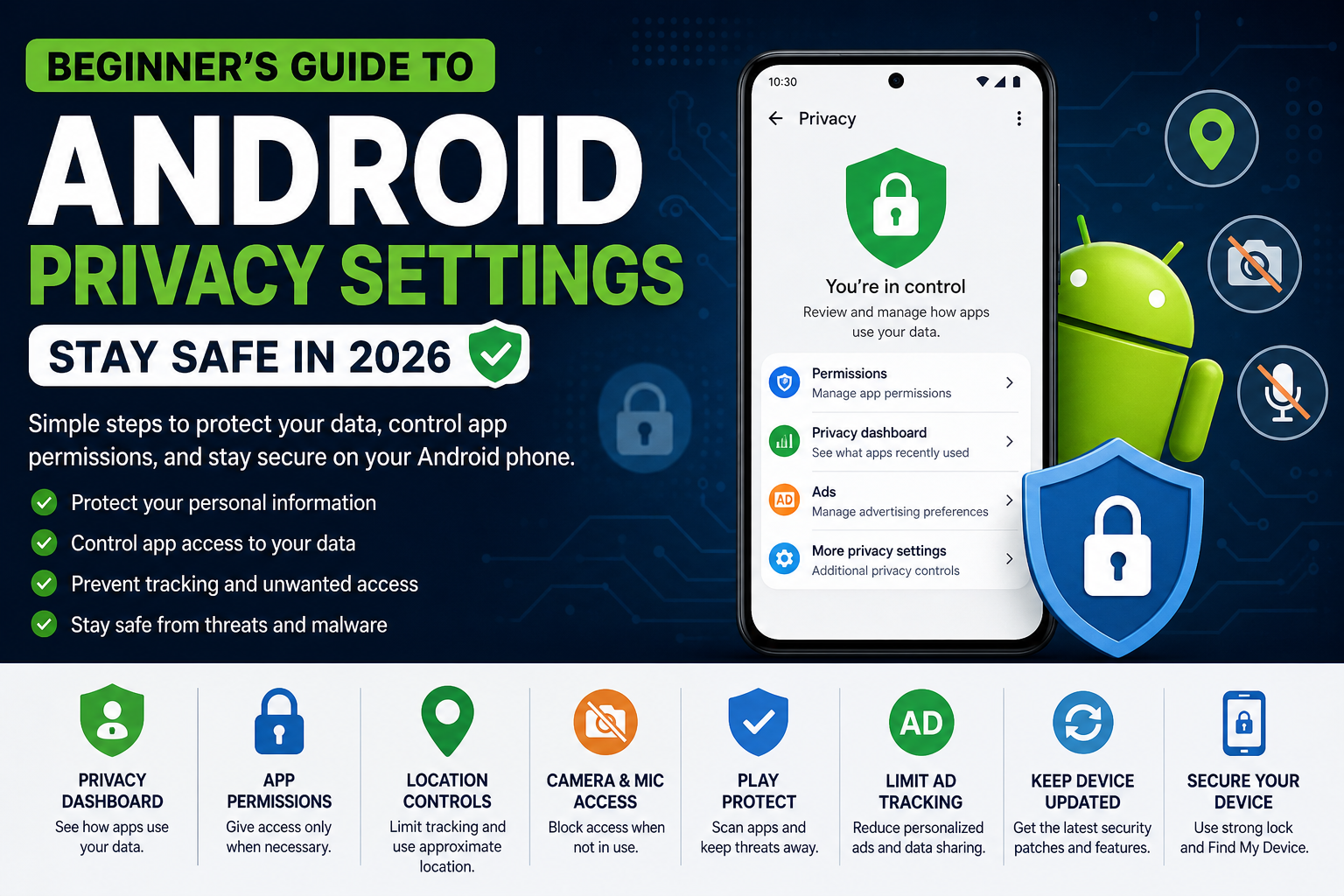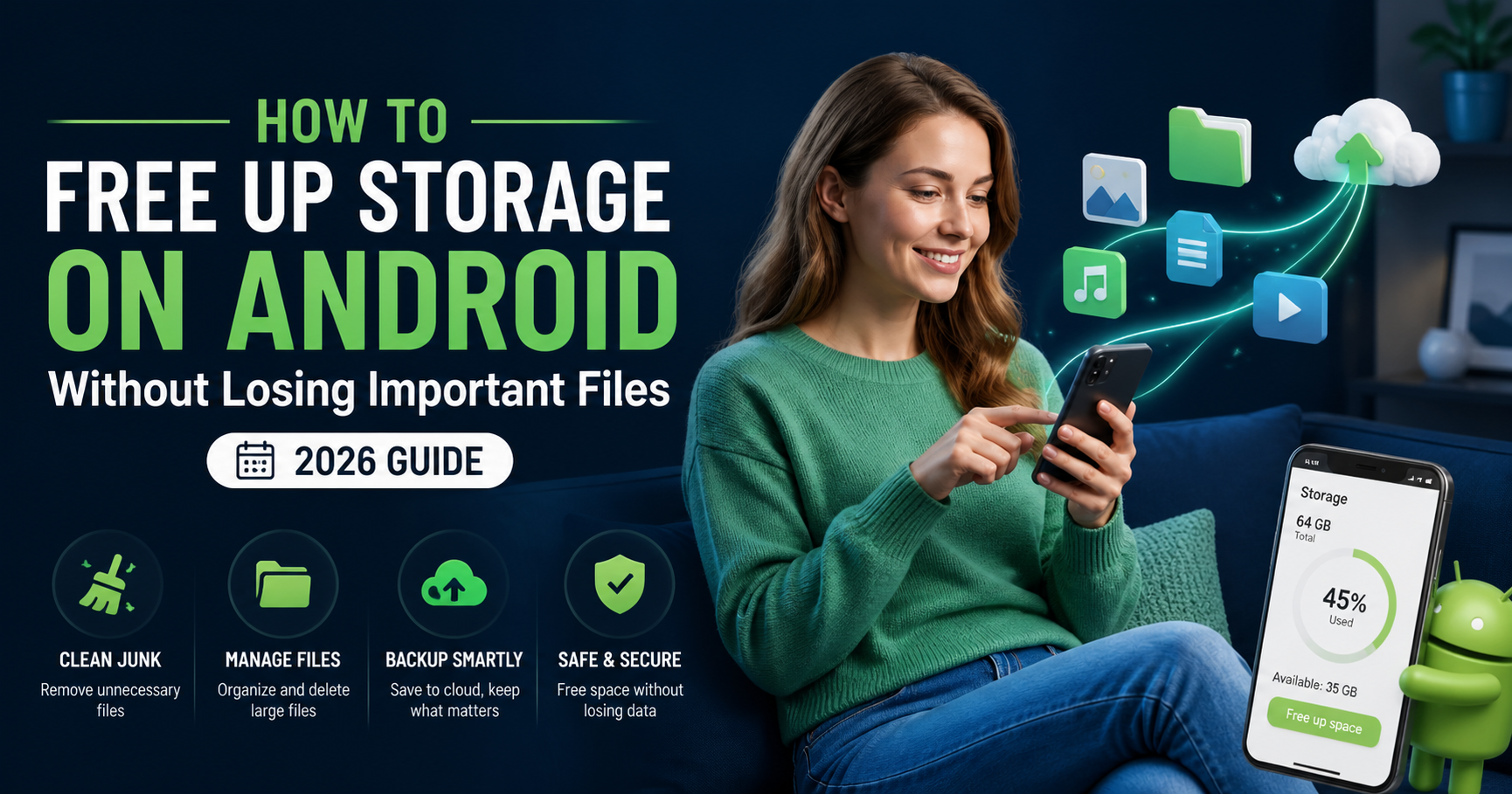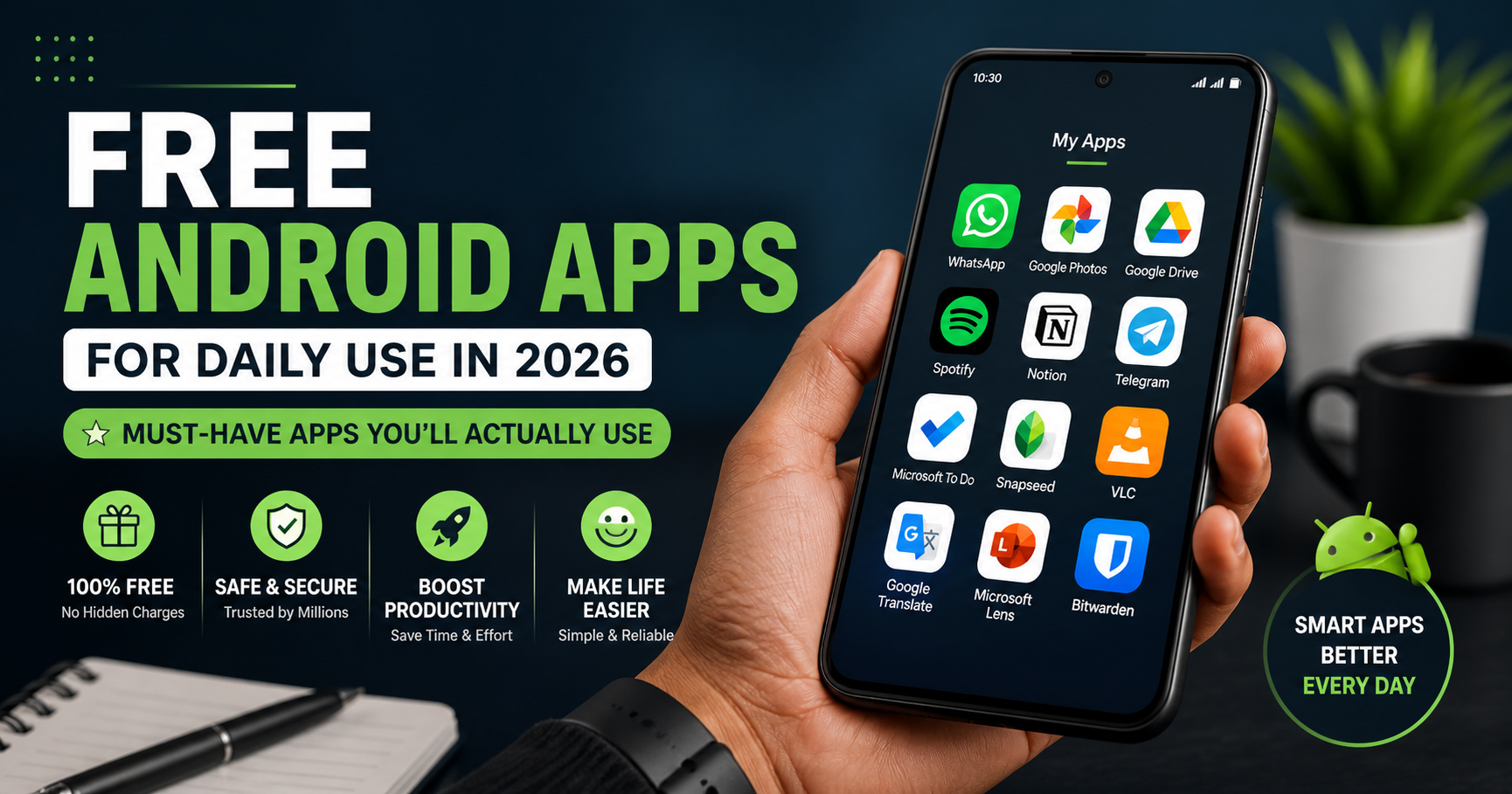
In 2026, smartphones have become an essential part of daily life—from communication and productivity to entertainment and learning. But having the right apps on your Android device can make a huge difference in how efficiently you use your phone.
The good news? You don’t need to spend money. There are many free Android apps that can improve your productivity, save time, and make your daily routine easier.
In this article, we explore the 10 best free Android apps for daily use in 2026, covering productivity, storage, communication, learning, and more.
Why Choosing the Right Apps Matters
Your phone’s performance and usability depend heavily on the apps you install.
Benefits of Using the Right Apps:
- Saves time in daily tasks
- Improves productivity
- Helps manage files and storage
- Enhances communication
- Keeps your phone fast and organized
1. Files by Google – Best for Storage Management
If your phone often runs out of storage, this app is a must-have.
Key Features:
- Removes junk files
- Finds duplicate photos and videos
- Cleans WhatsApp media
- Suggests files to delete
Why You Need It:
It helps you free up space safely without deleting important files, making your phone faster.
2. Google Photos – Best for Photo Backup
Photos and videos take up a lot of space. This app helps you store them in the cloud.
Key Features:
- Automatic backup
- Smart search using AI
- Easy sharing
- “Free up space” option
Why You Need It:
You can safely delete photos from your phone while keeping them stored online.
3. WhatsApp – Best for Communication
Still the most popular messaging app in India.
Key Features:
- Chat, voice, and video calls
- Group chats
- File sharing
- Status updates
Why You Need It:
Essential for daily communication with friends, family, and work.
4. Google Keep – Best for Notes & Reminders
A simple yet powerful note-taking app.
Key Features:
- Quick notes
- Voice notes
- Reminders
- Color-coded organization
Why You Need It:
Perfect for managing tasks, ideas, and daily reminders.
5. Microsoft Outlook – Best for Email Management
A professional email app for managing multiple accounts.
Key Features:
- Email organization
- Calendar integration
- Smart inbox
- File attachments
Why You Need It:
Ideal for students and professionals who need a reliable email app.
6. Canva – Best for Design & Content Creation
Want to create posters, resumes, or social media posts? This app makes it easy.
Key Features:
- Ready-made templates
- Easy drag-and-drop design
- Social media graphics
- Resume creation
Why You Need It:
No design skills needed—great for students, bloggers, and creators.
7. Google Drive – Best for File Storage
A reliable cloud storage app for saving documents and files.
Key Features:
- 15GB free storage
- File sharing
- Document backup
- Access from any device
Why You Need It:
Keeps your files safe and accessible anytime.
8. YouTube – Best for Learning & Entertainment
A complete platform for both learning and entertainment.
Key Features:
- Educational content
- Tutorials
- Entertainment videos
- Offline downloads
Why You Need It:
You can learn skills, watch videos, and stay updated.
9. Google Maps – Best for Travel & Navigation
Essential for daily travel and navigation.
Key Features:
- Real-time traffic updates
- Route planning
- Location sharing
- Nearby places
Why You Need It:
Helps you reach destinations faster and avoid traffic.
10. Spotify – Best for Music & Podcasts
Perfect for listening to music and podcasts anytime.
Key Features:
- Free music streaming
- Personalized playlists
- Podcasts
- Offline listening (premium feature)
Why You Need It:
Keeps you entertained during travel, workouts, or relaxation.
How to Choose the Right Apps for Your Needs
Not every app is necessary for everyone.
Choose Based On:
- Your daily usage
- Storage capacity
- Internet availability
- Work or study needs
Install only what you need to avoid slowing down your phone.
Tips to Keep Your Android Phone Fast
Even with the best apps, performance matters.
Follow These Tips:
- Remove unused apps
- Clear cache regularly
- Update apps frequently
- Avoid heavy apps if not needed
- Use lite versions when possible
Are Free Apps Safe to Use?
Most apps listed here are safe and widely used.
Safety Tips:
- Download from Google Play Store only
- Check reviews and ratings
- Avoid unknown apps
- Don’t give unnecessary permissions
Free vs Paid Apps: Which is Better?
Free apps are enough for most users.
Free Apps:
- Basic features
- No cost
- Good for daily use
Paid Apps:
- Advanced features
- No ads
- Better performance
Start with free versions and upgrade only if needed.
Must-Have App Categories for Daily Life
To make your phone useful, include apps from these categories:
- Storage & cleaning
- Communication
- Productivity
- Learning
- Entertainment
- Navigation
This ensures a balanced smartphone experience.
Common Mistakes to Avoid
Avoid these:
- Installing too many apps
- Ignoring updates
- Using unknown apps
- Not managing storage
- Giving unnecessary permissions

Final Thoughts
Having the right apps can completely transform your Android experience. The apps listed above are some of the best free Android apps for daily use in 2026, helping you stay productive, organized, and entertained.
Start by installing essential apps like Files by Google, Google Photos, and Google Keep, then gradually add others based on your needs.
Remember, your phone should make your life easier—not slower. Choose wisely, keep it clean, and use apps that truly add value to your daily routine.