Mobile video content is growing faster than ever in 2026. Platforms like Instagram Reels, YouTube Shorts, TikTok, and Facebook Videos have turned smartphones into powerful content creation tools. Today, you no longer need an expensive laptop or professional editing setup to create high-quality videos. With the right mobile video editing app, you can edit cinematic videos directly from your smartphone.
Modern editing apps now offer:
- AI-powered editing
- Advanced transitions
- 4K export support
- Motion tracking
- Professional color grading
- Auto subtitles
- Multi-layer timelines
Whether you are a beginner, content creator, vlogger, student, freelancer, or social media influencer, choosing the right editing app can dramatically improve your video quality.
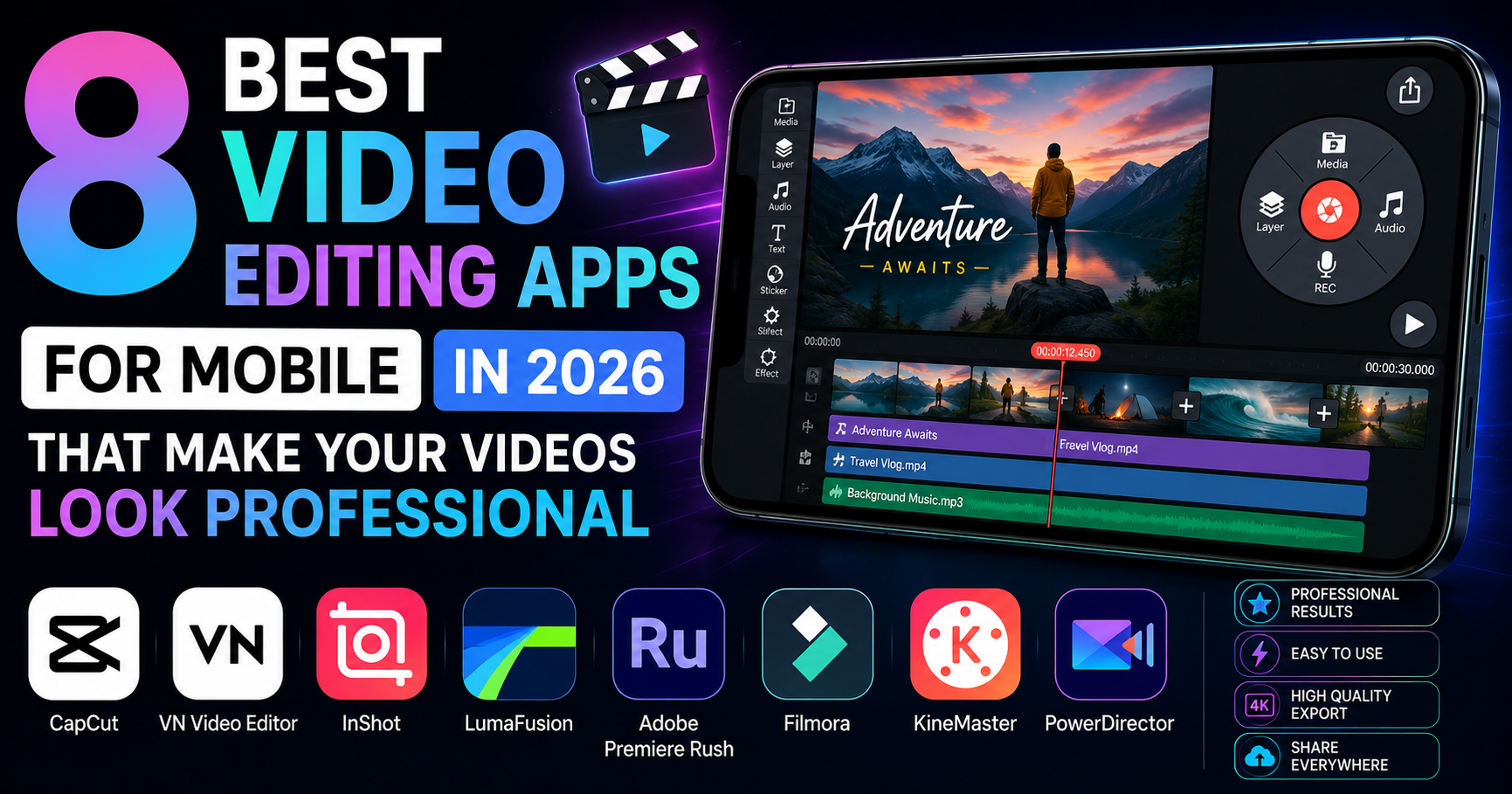
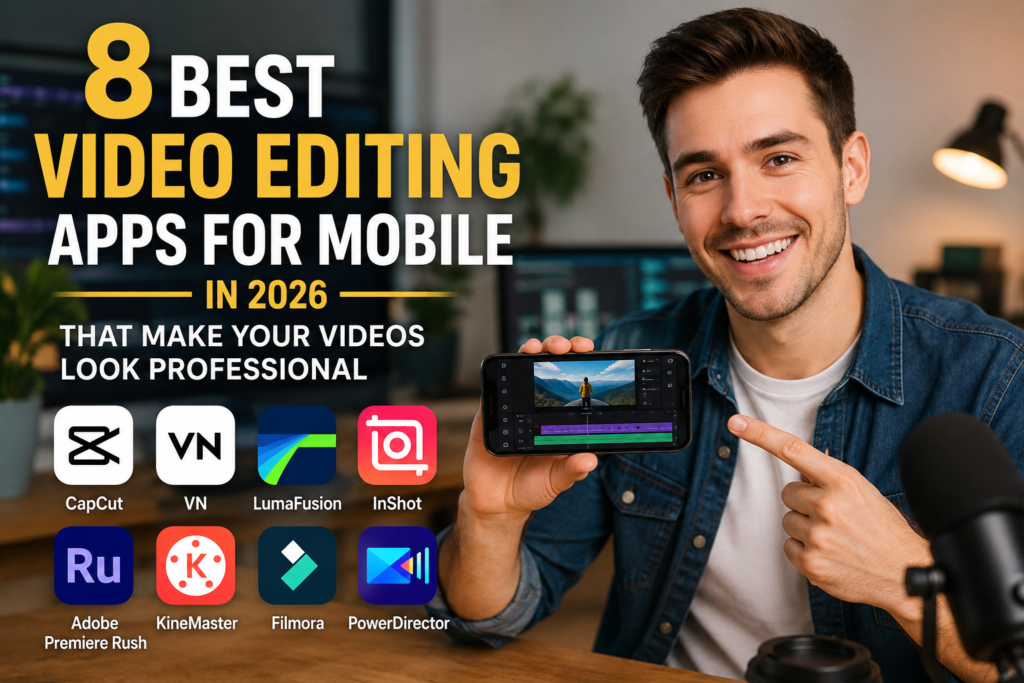
In this article, we explore the 8 best mobile video editing apps in 2026 that can make your videos look professional.
Why Mobile Video Editing Is So Popular
Smartphones have become incredibly powerful.
Modern phones now include:
- Powerful processors
- AI optimization
- Advanced cameras
- High refresh displays
This allows users to edit professional-quality videos directly on mobile devices.
Mobile editing is popular because:
- It is faster
- Easier to learn
- More convenient
- Perfect for social media creators
What Makes a Good Video Editing App?
Before choosing an editing app, you should consider:
Important Features
- Easy interface
- Export quality
- AI tools
- Effects and transitions
- Speed optimization
- Audio editing
- Multi-layer editing
- Watermark-free export
The best apps balance powerful features with simplicity.
1. CapCut – Best Overall Video Editing App
CapCut remains the most popular mobile video editor in 2026.
Why It’s Popular
CapCut offers:
- Professional effects
- AI editing tools
- Auto captions
- Trending templates
- Smooth performance
Best Features
- AI background removal
- Motion blur effects
- Cinematic transitions
- Auto beat sync
- High-quality exports
Best For
- TikTok creators
- Instagram Reels
- YouTube Shorts
- Beginners
Pros
- Free to use
- Powerful AI tools
- Beginner-friendly
Cons
- Some advanced features require internet connection
2. Adobe Premiere Rush – Best for Professional Editing
Adobe brings professional-level editing to smartphones.
Key Features
- Multi-track timeline
- Professional transitions
- Advanced audio controls
- Cloud synchronization
Why Creators Love It
It works well with:
- Adobe Premiere Pro
- Photoshop
- Creative Cloud ecosystem
Best For
- Professional creators
- YouTubers
- Advanced editors
Pros
- Excellent editing quality
- Professional workflow
- Reliable exports
Cons
- Premium subscription required for advanced tools
3. VN Video Editor – Best Free Professional Editor
VN Video Editor has become extremely popular among creators.
Features
- No watermark
- Multi-layer editing
- Keyframe animation
- Speed curves
- Advanced transitions
Why Users Like It
VN provides professional features completely free.
Best For
- YouTube creators
- Vloggers
- Cinematic edits
Pros
- Powerful free features
- Smooth editing experience
- Clean interface
Cons
- Effects library smaller than CapCut
4. KineMaster – Best for Layer Editing
KineMaster remains one of the most feature-rich editors.
Best Features
- Multi-layer support
- Green screen editing
- Voiceovers
- Blending modes
Why It’s Great
KineMaster allows users to create more advanced edits directly on mobile.
Best For
- Advanced mobile editors
- YouTube creators
- Tutorial videos
Pros
- Professional tools
- Advanced layer editing
- Easy UI
Cons
- Watermark in free version
5. LumaFusion – Best for iPhone and iPad Users
LumaFusion is considered one of the most professional mobile editors available.
Features
- Multi-track editing
- Color correction
- Advanced timeline controls
- Professional audio editing
Why Professionals Use It
Many creators edit full YouTube videos entirely on LumaFusion.
Best For
- iPhone users
- Professional creators
- Cinematic editing
Pros
- Desktop-like editing experience
- Excellent performance
- High-quality exports
Cons
- Paid app
6. InShot – Best for Social Media Videos
InShot is extremely popular for quick social media editing.
Features
- Easy trimming
- Filters
- Music integration
- Social media aspect ratios
Why Beginners Love It
It is simple, fast, and easy to learn.
Best For
- Instagram creators
- Beginners
- Quick edits
Pros
- Very easy to use
- Fast editing
- Good social media tools
Cons
- Limited advanced editing features
7. PowerDirector – Best for AI Editing
PowerDirector heavily integrates AI features.
AI Features
- AI object tracking
- AI effects
- AI background removal
- AI enhancement tools
Why It Stands Out
It combines simplicity with advanced AI-powered editing.
Best For
- AI-assisted editing
- YouTube creators
- Intermediate users
Pros
- Powerful AI tools
- Good performance
- Professional exports
Cons
- Some premium effects locked behind subscription
8. DaVinci Resolve Mobile – Best Color Grading App
DaVinci Resolve Mobile brings professional color grading to smartphones.
Features
- Advanced color correction
- Cinematic LUT support
- Professional video controls
Why Filmmakers Love It
DaVinci is famous for Hollywood-level color grading.
Best For
- Cinematic creators
- Filmmakers
- Advanced editors
Pros
- Best color grading tools
- Professional controls
- High-quality output
Cons
- Requires powerful phones
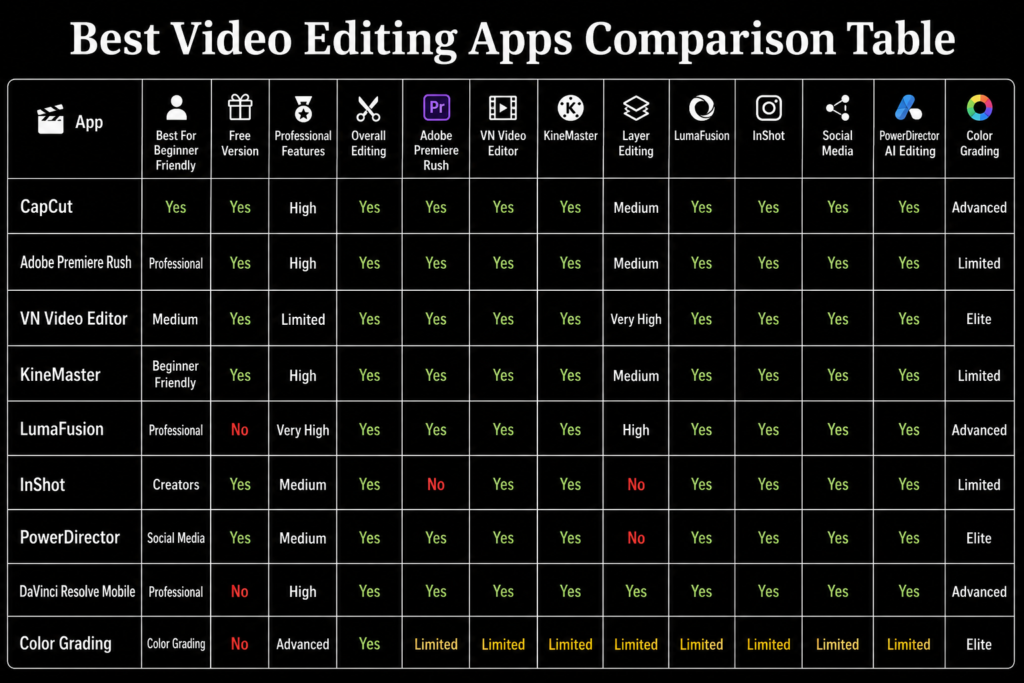
Best Video Editing Apps Comparison Table
Best Video Editing App for Beginners
Recommended Choice
CapCut
It offers:
- Easy editing
- AI tools
- Professional templates
- Fast learning curve
perfect for beginners.
Best App for YouTube Creators
Recommended Choice
Adobe Premiere Rush or VN Video Editor
Both apps support:
- High-quality exports
- Timeline editing
- Audio control
Best App for Instagram Reels
Recommended Choice
InShot or CapCut
They provide:
- Vertical editing
- Trending effects
- Fast exports
ideal for social media.
Best App for Cinematic Editing
Recommended Choice
DaVinci Resolve Mobile
It provides:
- Advanced color grading
- LUT support
- Professional visual control
AI Features Changing Mobile Editing
AI is transforming video editing rapidly.
AI Editing Can Now
- Remove backgrounds
- Auto-generate captions
- Improve lighting
- Stabilize shaky footage
- Match music beats automatically
This saves creators significant editing time.
Tips to Make Videos Look Professional
Even with good editing apps, quality matters.
Important Tips
- Use good lighting
- Record stable footage
- Use proper audio
- Avoid excessive effects
- Keep edits smooth
Professional editing is about balance, not over-editing.
Common Mistakes Beginners Make
Mistakes Include
- Too many transitions
- Overusing filters
- Poor audio quality
- Excessive zoom effects
Simple editing often looks more professional.
Are Paid Editing Apps Worth It?
Paid apps are worth it for:
- Professional creators
- YouTubers
- Freelancers
- Filmmakers
Casual users can still create excellent videos using free apps.
Best Phones for Video Editing in 2026
Modern flagship phones handle editing extremely well.
Recommended Phones
- iPhone 17 Pro Max
- Samsung Galaxy S26 Ultra
- OnePlus 14 Pro
These phones offer:
- Powerful processors
- Better cooling
- Faster rendering
Future of Mobile Video Editing
Mobile editing will continue improving with:
- AI automation
- Cloud editing
- Real-time effects
- Better rendering speeds
Smartphones may eventually replace laptops for many creators.
Final Verdict
Mobile video editing in 2026 is more powerful than ever. Apps like CapCut, VN Video Editor, Adobe Premiere Rush, and DaVinci Resolve Mobile now offer professional-level features directly on smartphones.
For most users, CapCut remains the best overall choice because of its balance between simplicity, AI tools, and professional-quality editing. Meanwhile, advanced creators may prefer Adobe Premiere Rush or DaVinci Resolve Mobile for more detailed control.
No matter your experience level, the right editing app can dramatically improve your content quality and help your videos look far more professional.