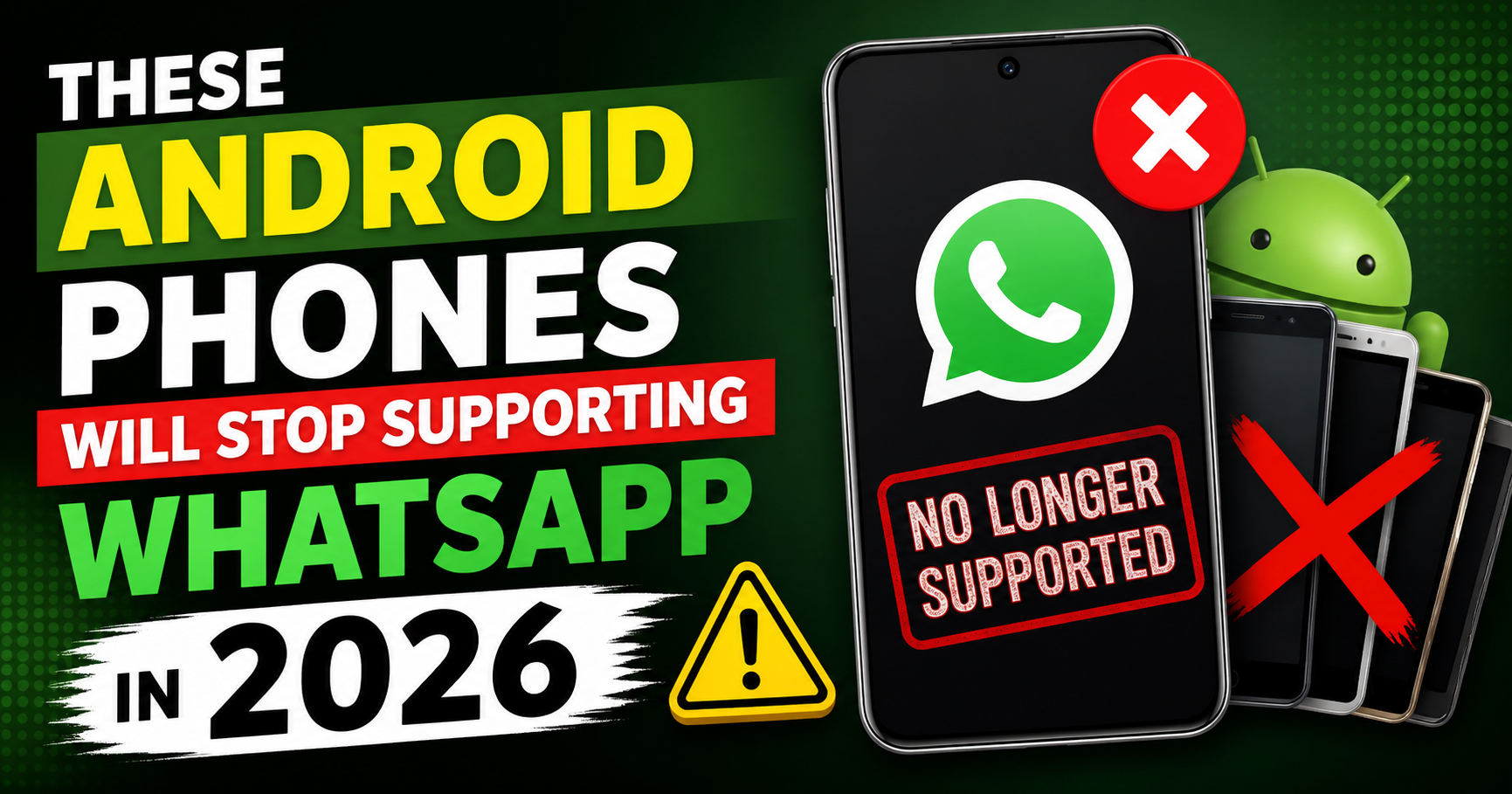
If you’re using an older Android phone, this is something you cannot ignore.
In 2026, WhatsApp will officially stop working on several older Android devices. This means you may suddenly lose access to chats, calls, and important data if your phone no longer meets the minimum requirements.
For millions of users—especially in countries like India—this update can have a major impact. Many people still use older smartphones for daily communication, and WhatsApp is often their primary messaging app.
So, which phones are affected? Why is this happening? And what should you do next?
Let’s break it down clearly.
Why WhatsApp Stops Supporting Older Android Phones
1. Security Reasons
Older Android versions no longer receive security updates. This makes them vulnerable to:
- Malware attacks
- Data breaches
- Privacy issues
Apps like WhatsApp prioritize user safety, so they stop supporting outdated systems.
2. New Features & Technology
WhatsApp continuously adds new features like:
- End-to-end encryption improvements
- HD media sharing
- AI-powered chat tools
Older devices cannot handle these features due to limited hardware and outdated software.
3. Performance Limitations
Older phones:
- Have less RAM
- Slower processors
- Limited storage
This affects app performance and user experience.
Minimum Requirements for WhatsApp in 2026
To continue using WhatsApp in 2026, your phone must have:
- Android version 5.0 (Lollipop) or higher (may increase over time)
- Updated Google Play Services
- Enough storage for app updates
If your device runs below this, WhatsApp will stop working completely.
List of Android Phones Affected in 2026
Here are some popular devices that may lose WhatsApp support (based on older Android versions):
Samsung Devices
- Samsung Galaxy S4
- Samsung Galaxy Note 3
- Samsung Galaxy Grand series
LG Devices
- LG G3
- LG Optimus series
Sony Devices
- Sony Xperia Z
- Sony Xperia SP
HTC Devices
- HTC One M7
- HTC Desire series (older models)
Other Brands
- Older Micromax, Lava, Karbonn devices
- Early budget Android smartphones
⚠️ Note: The exact list may vary, but any phone running very old Android versions is at risk.
How to Check If Your Phone is Affected
Follow these simple steps:
Step 1:
Go to Settings → About Phone
Step 2:
Check your Android Version
Step 3:
If it’s below Android 5.0, your phone is likely unsupported
What Happens When WhatsApp Stops Working?
If your phone becomes unsupported:
- You won’t be able to open the app
- Messages will stop sending/receiving
- Updates will no longer be available
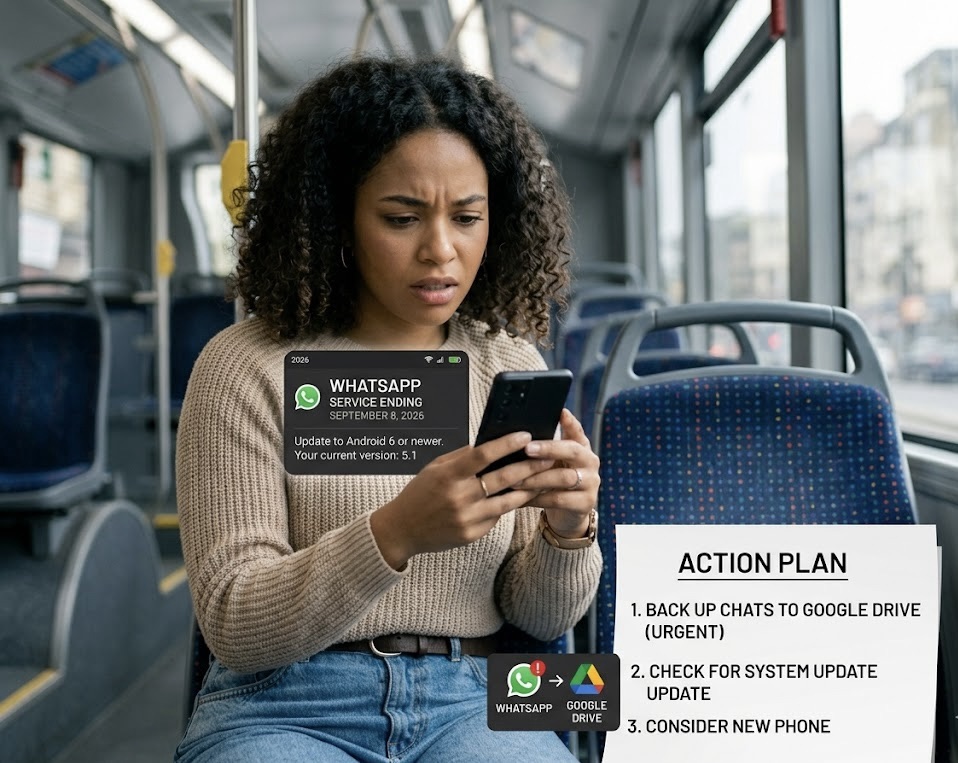
- You may see a warning notification before it stops
Eventually, the app will stop functioning completely.
How to Backup Your WhatsApp Data
Before losing access, always backup your chats.
Backup using Google Account:
- Open WhatsApp
- Go to Settings → Chats → Chat Backup
- Select your Google account
- Tap Backup
You can store backups on:
- Google Drive
This ensures you don’t lose important conversations.
What You Should Do If Your Phone is Affected
1. Update Your Android Version
Check if your phone has a software update available.
Go to:
Settings → Software Update
If an update is available, install it.
2. Switch to a New Smartphone
If your phone is too old and cannot be updated, upgrading is the best option.
You don’t need an expensive phone—many budget Android phones now support the latest features.
3. Transfer Your WhatsApp Data
When switching phones:
- Install WhatsApp on your new device
- Login with your number
- Restore backup from Google Drive
4. Use WhatsApp Web (Temporary Option)
You can still access chats using:
- WhatsApp Web (if phone is partially working)
But this is only a short-term solution.
Why This Update Matters
This is not just about losing an app—it affects:
- Daily communication
- Work and business chats
- Important personal data
For many users, WhatsApp is their primary communication tool.
Tips to Avoid Future Issues
- Keep your phone updated regularly
- Avoid using outdated devices for long periods
- Backup your data frequently
- Use official apps only
Real Impact in 2026
In countries like India, a large number of users still rely on older smartphones. This update will push many users to upgrade their devices.
It also shows how fast mobile technology is evolving—apps are becoming more advanced, and older devices struggle to keep up.
Future of WhatsApp Compatibility
In the coming years:
- Minimum Android version requirements will increase
- More advanced features will be introduced
- Older devices will continue to lose support
This is part of the natural evolution of technology.
Conclusion
The decision to stop supporting older Android phones may seem inconvenient, but it’s necessary for security, performance, and innovation.
If your phone is affected, don’t panic. Backup your data, check for updates, and consider upgrading to a newer device.
Staying updated ensures you continue to enjoy all features of WhatsApp without interruptions.