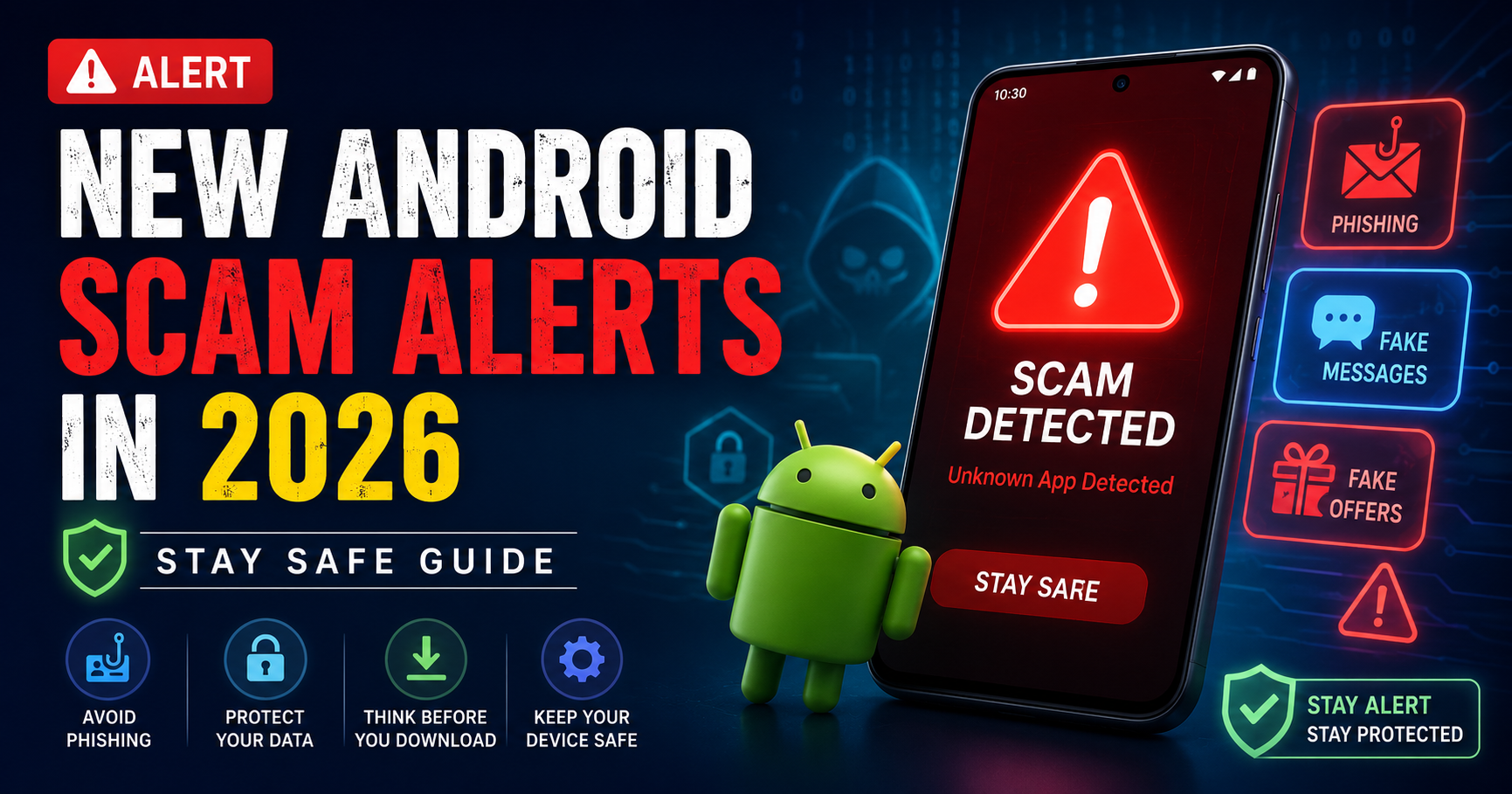
Smartphones have made life easier—but they’ve also opened the door to new types of scams. In 2026, Android users are facing a sharp rise in mobile fraud, especially through fake apps, phishing messages, and social engineering tricks.
Scammers are becoming smarter. They no longer rely on obvious tricks. Instead, they use advanced tactics that look completely real, making it easy for anyone to fall into their trap.
Whether you use your phone for banking, chatting, shopping, or work, understanding these scams is essential.
In this guide, you’ll learn about the latest Android scams in 2026, how they work, and most importantly—how to protect yourself.
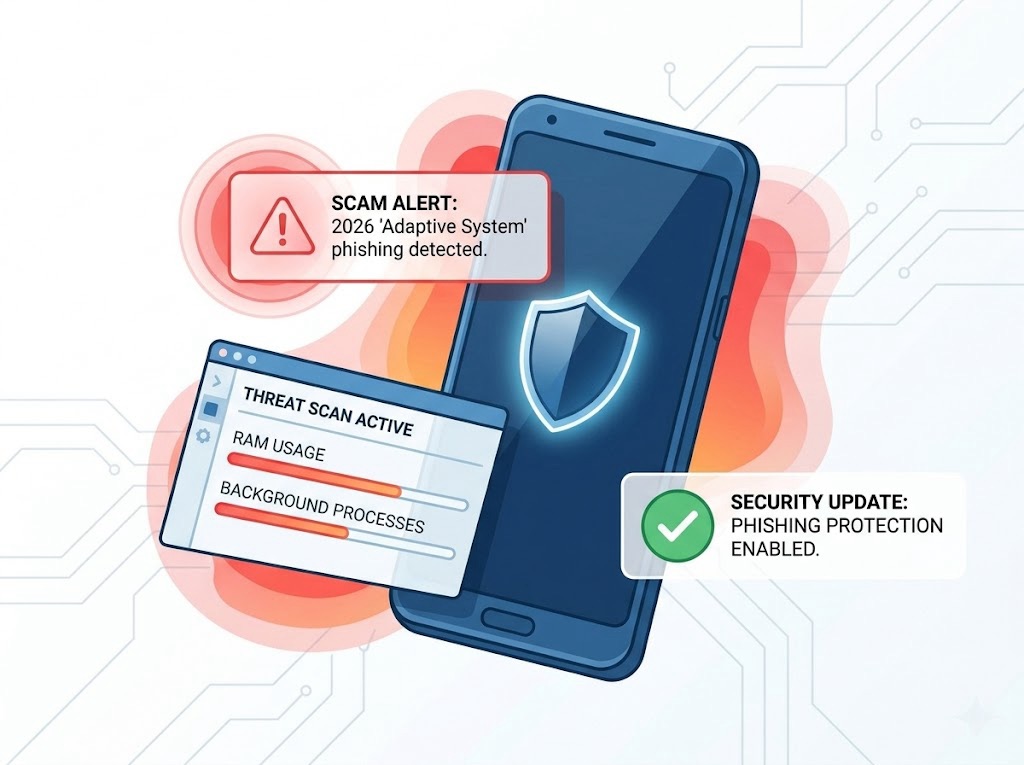
Why Mobile Scams Are Increasing in 2026
1. Increased Smartphone Usage
More people are using smartphones for:
- Online payments
- Banking
- Social media
This gives scammers more opportunities.
2. Advanced Technology Misuse
Scammers are now using:
- AI-generated messages
- Fake voice calls
- Deepfake content
These make scams more convincing.
3. Lack of Awareness
Many users are still unaware of:
- New scam techniques
- Security settings
- Safe online practices
Most Common Android Scams in 2026
1. OTP & Banking Fraud
This is one of the most dangerous scams.
How it works:
- You receive a call or message pretending to be from a bank
- They ask for your OTP (One-Time Password)
- Once shared, your money is stolen instantly
⚠️ Important:
No bank will ever ask for your OTP.
2. Fake Apps & Malware
Scammers create apps that look like real ones.
Examples:
- Fake banking apps
- Fake versions of WhatsApp
- Fake loan or earning apps
What happens:
- You install the app
- It steals your data or money
3. WhatsApp Scams
WhatsApp is a major target for scammers.
Common tricks:
- “Hi, I’m your friend—send money urgently”
- Fake job offers
- Prize or lottery messages
4. Phishing Links (SMS & Email)
You receive a message like:
- “Your bank account will be blocked—click here”
- “You won a prize—claim now”
These links lead to fake websites that steal your details.
5. Screen Sharing Scams
Scammers ask you to install apps like:
- Screen-sharing tools
Then:
- They watch your screen
- Access your bank apps
- Steal sensitive information
6. Fake Customer Care Calls
You search for customer care numbers online.
Scammers:
- Post fake numbers
- Pretend to be support agents
- Ask for personal details or payments
7. Loan & Investment Scams
Fake apps promise:
- Instant loans
- High returns
But:
- They charge hidden fees
- Steal your data
- Harass you later
Warning Signs of a Scam
Watch out for these red flags:
- Urgent messages asking for money
- Unknown links
- Requests for OTP or passwords
- Apps with very few reviews
- Messages with spelling mistakes
- Too-good-to-be-true offers

How to Protect Yourself from Android Scams
1. Never Share OTP or Passwords
No genuine company will ask for:
- OTP
- PIN
- Password
2. Download Apps from Trusted Sources
Only install apps from:
- Google Play Store
Avoid APK files from unknown websites.
3. Check App Reviews and Ratings
Before installing:
- Read reviews
- Check downloads
- Verify developer name
4. Enable Google Play Protect
Google Play Protect scans apps for threats.
Keep it turned ON for extra safety.
5. Avoid Clicking Unknown Links
If you receive a suspicious link:
- Don’t click
- Verify the source first
6. Use Strong Security Settings
Enable:
- Fingerprint lock
- Face unlock
- Two-factor authentication
7. Keep Your Phone Updated
Updates fix:
- Security vulnerabilities
- Bugs
8. Be Careful with Public Wi-Fi
Avoid accessing:
- Bank accounts
- Sensitive data
on public networks.
What to Do If You Get Scammed
Act quickly:
- Contact your bank immediately
- Block your cards or accounts
- Report the fraud to cybercrime authorities
- Uninstall suspicious apps
- Change your passwords
In India, you can report scams via:
- Cyber Crime Portal (government service)
Real-Life Scenario (2026 Trend)
Many users in 2026 are falling victim to scams because:
- Messages look genuine
- Apps appear real
- Scammers use AI to sound convincing
Even educated users are getting trapped—so awareness is key.
Common Mistakes to Avoid
- ❌ Trusting unknown callers
- ❌ Clicking random links
- ❌ Installing apps without checking
- ❌ Sharing personal information
- ❌ Ignoring security updates
Future of Mobile Security
In the coming years:
- AI will detect scams automatically
- Android will improve security systems
- Apps will become safer
But users still need to stay alert.

Conclusion
Mobile scams are increasing rapidly in 2026, but they can be avoided with the right knowledge and precautions.
Always remember:
- Think before you click
- Verify before you trust
- Protect your personal information
Your smartphone is powerful—but only if you use it safely.
Stay aware, stay secure.