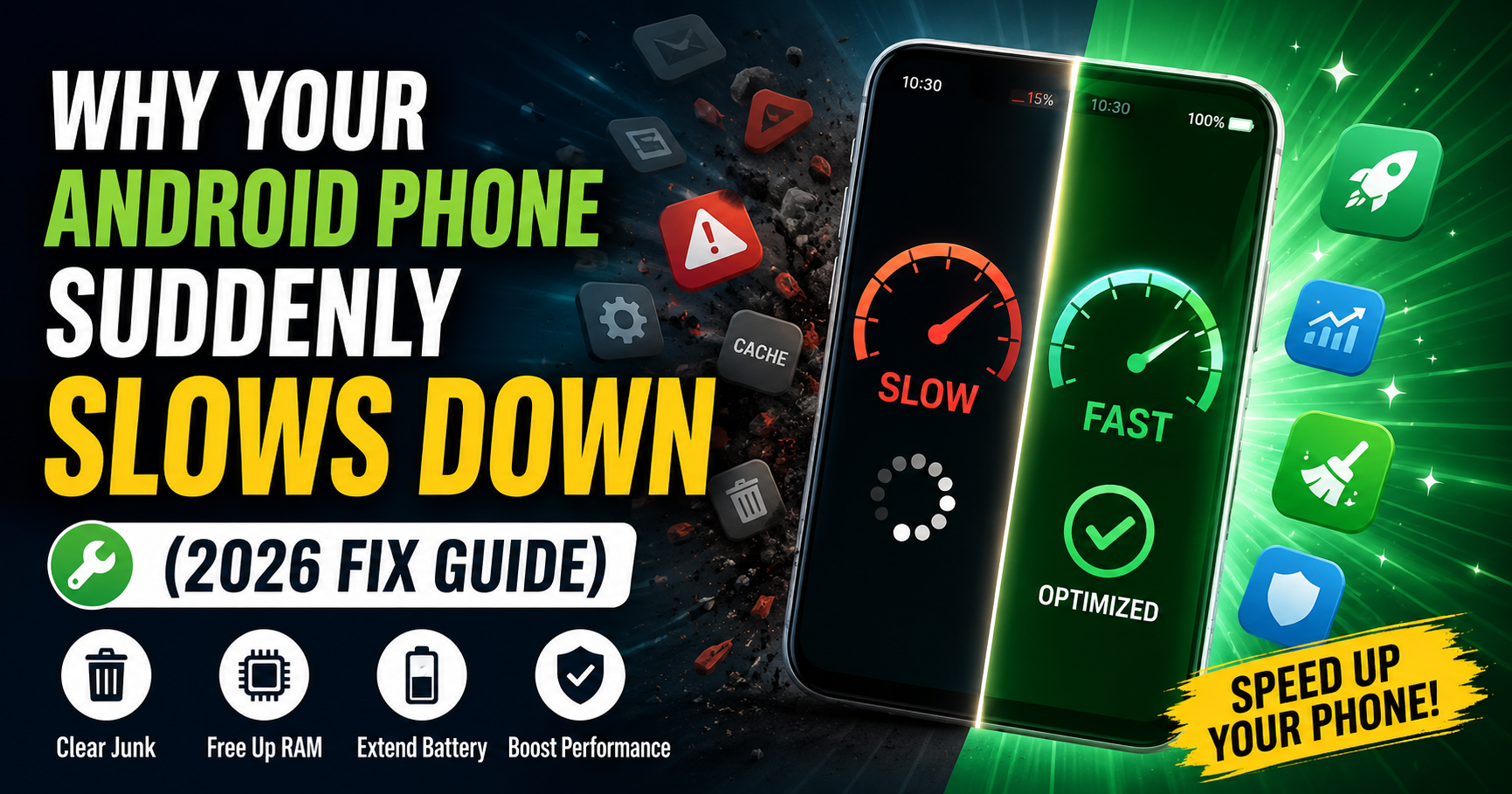
Is your Android phone suddenly lagging, freezing, or taking forever to open apps? You’re not alone. In 2026, many users are facing performance issues—even on relatively new devices.
A slow phone can be frustrating, especially when you rely on it for daily tasks like messaging, browsing, or work. The problem is not always your phone’s age—often, it’s due to hidden issues like background apps, storage overload, or system updates.
The good news? Most of these problems can be fixed easily.
In this guide, you’ll learn why your Android phone slows down in 2026 and the best proven ways to make it fast again.

Common Signs Your Phone is Slowing Down
Before fixing the issue, here are some clear signs:
- Apps take longer to open
- Phone freezes or hangs
- Delayed typing response
- Battery drains faster than usual
- Phone heats up quickly
If you notice these, your phone needs optimization.
Why Android Phones Slow Down in 2026
1. Too Many Background Apps
Many apps continue running even when you’re not using them. These apps consume:
- RAM
- CPU power
- Battery
This leads to slower performance.
2. Low Storage Space
When your phone storage is almost full, performance drops.
Why?
- System needs free space to function
- Apps cannot load data efficiently
3. Heavy Apps & Updates
Modern apps are larger and more complex than before.
Examples:
- Social media apps
- Gaming apps
- AI-powered apps
They require more resources to run smoothly.
4. Cache and Junk Files
Temporary files (cache) build up over time and slow down your device.
5. Outdated Software
Running an old Android version can cause:
- Compatibility issues
- Slower performance
- Bugs and glitches
6. Too Many Widgets & Animations
Home screen widgets and animations use processing power continuously.
7. Malware or Untrusted Apps
Installing apps from unknown sources can:
- Slow down your phone
- Drain battery
- Cause security issues
How to Fix a Slow Android Phone (Step-by-Step)
1. Restart Your Phone
This is the simplest fix.
Restarting:
- Clears temporary memory
- Stops background processes
👉 Do this at least once a week.
2. Clear Cache Files
Go to:
Settings → Apps → Select App → Storage → Clear Cache
Focus on:
- Browser
- Social media apps
- Streaming apps
3. Free Up Storage Space
Delete:
- Unused apps
- Old videos and photos
- Duplicate files
👉 Keep at least 20–30% storage free.
4. Disable Background Apps
Go to:
Settings → Apps → Battery → Restrict Background Usage
This improves:
- Speed
- Battery life
5. Reduce Animations
Enable Developer Options:
- Set Window animation scale → 0.5x or Off
- Set Transition animation scale → 0.5x
👉 This makes your phone feel faster instantly.
6. Remove Unused Widgets
Too many widgets slow down your home screen.
👉 Keep only essential widgets.
7. Update Your Software
Go to:
Settings → Software Update
Updates fix:
- Bugs
- Performance issues
- Security problems
8. Use Lite Apps
Switch to lighter versions like:
- Facebook Lite
- YouTube Lite
They use less memory and run faster.
9. Scan for Malware
Install a trusted security app and scan your phone.
Avoid:
- Unknown apps
- APK files from random websites
10. Factory Reset (Last Option)
If nothing works:
👉 Reset your phone
Important:
Backup your data before doing this.
Pro Tips to Keep Your Phone Fast
- Restart your phone regularly
- Avoid installing too many apps
- Keep storage clean
- Use trusted apps only
- Turn off unused features like Bluetooth
Common Mistakes That Slow Down Your Phone
- ❌ Ignoring storage limits
- ❌ Keeping too many apps open
- ❌ Not updating software
- ❌ Installing heavy games on low-end phones
- ❌ Using fake or mod apps
Real-Life Scenario (2026 Trend)
In 2026, smartphones are more powerful—but also more demanding.
With:
- AI features
- High-performance apps
- Background services
Even mid-range phones can slow down if not managed properly.
Understanding this helps you maintain your device better.

When Should You Upgrade Your Phone?
Sometimes, no matter what you do, your phone may still feel slow.
👉 Consider upgrading if:
- Your phone is 4–5 years old
- It no longer receives updates
- Apps keep crashing frequently
Future of Android Performance
In the future, Android is expected to:
- Use AI to manage performance automatically
- Reduce background app usage
- Improve battery and RAM optimization
This will make phones faster without manual effort.
Conclusion
A slow Android phone can be frustrating, but the problem is usually fixable. By understanding the real reasons—like background apps, low storage, and heavy updates—you can take control of your device.
Simple steps like clearing cache, reducing animations, and managing apps can make a huge difference.
Start applying these fixes today, and your phone will feel faster, smoother, and more responsive.