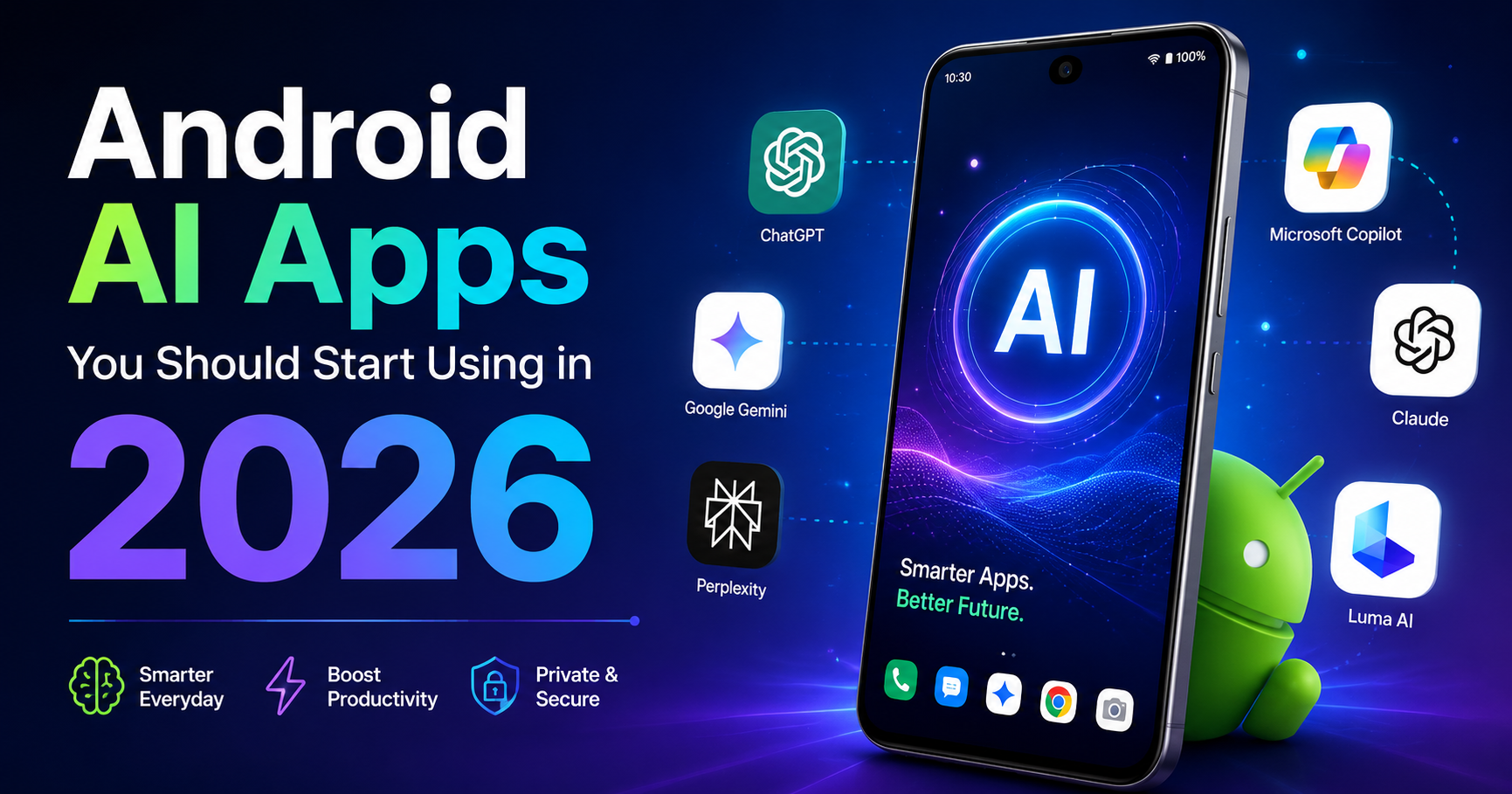
Artificial Intelligence (AI) is no longer limited to computers or advanced software—it’s now fully integrated into smartphones. In 2026, Android users have access to powerful AI apps that can improve productivity, creativity, learning, and even daily communication.
From writing emails to designing graphics and managing tasks, AI apps are transforming how we use our phones. If you’re not using these tools yet, you’re missing out on features that can save time and make your life easier.
In this article, we’ll explore the best AI apps for Android in 2026, how they work, and why you should start using them today.
What Are AI Apps?
AI apps are applications powered by machine learning and advanced algorithms that can:
- Understand your input
- Learn from your behavior
- Provide smart suggestions
- Automate tasks
Unlike traditional apps, AI apps improve over time and become more personalized based on how you use them.
Why AI Apps Are Trending in 2026
1. Increased Productivity
AI apps help you complete tasks faster, whether it’s writing, editing, or organizing your work.
2. Smart Automation
Tasks like replying to messages, scheduling, and note-taking can now be automated.
3. Easy Access to Information
AI tools can instantly answer questions, summarize content, and provide solutions.
4. Personalization
AI apps adapt to your habits and preferences, offering a more customized experience.
Best AI Apps for Android in 2026
1. ChatGPT
One of the most powerful AI apps available today.
Features:
- Answer questions instantly
- Help with writing and content creation
- Solve academic and technical problems
- Generate ideas for blogs, captions, and more
Why use it:
Perfect for students, bloggers, and professionals.
2. Google Gemini
Google’s advanced AI assistant integrated into Android.
Features:
- Smart replies and suggestions
- Voice commands with better understanding
- Integration with Google apps
Why use it:
Works seamlessly with Android devices.
3. Grammarly
An AI-powered writing assistant.
Features:
- Grammar correction
- Tone suggestions
- Real-time writing improvement
Why use it:
Ideal for emails, assignments, and professional writing.
4. Canva
A popular design app with AI features.
Features:
- AI image generation
- Automatic design suggestions
- Templates for social media
Why use it:
Great for content creators and social media users.
5. Notion
A powerful productivity app with AI integration.
Features:
- AI note-taking
- Task management
- Content summarization
Why use it:
Perfect for organizing work and study materials.
6. Microsoft Copilot
An AI assistant developed by Microsoft.
Features:
- Writing assistance
- Image generation
- Productivity tools
Why use it:
Helpful for professional and office tasks.
7. Otter.ai
An AI app for converting speech to text.
Features:
- Real-time transcription
- Meeting notes
- Voice recording
Why use it:
Great for students and professionals attending meetings.

How AI Apps Improve Daily Life
1. For Students
- Helps with homework
- Explains concepts easily
- Creates notes and summaries
2. For Professionals
- Draft emails quickly
- Organize tasks
- Improve productivity
3. For Content Creators
- Generate ideas
- Design posts
- Edit content efficiently
4. For Everyday Users
- Answer daily questions
- Translate languages
- Manage schedules
Tips to Use AI Apps Effectively
- Use AI as a helper, not a replacement
- Always review AI-generated content
- Avoid sharing sensitive information
- Explore app settings for better customization
Are AI Apps Safe?
Most popular AI apps are safe when used properly. However, you should:
- Download apps from trusted sources like Google Play Store
- Check app permissions
- Avoid giving access to personal data unnecessarily
Common Mistakes to Avoid
- ❌ Relying completely on AI without checking results
- ❌ Installing too many AI apps
- ❌ Ignoring privacy settings
- ❌ Using unknown or fake AI apps
Future of AI Apps on Android
The future of AI apps is very promising. In the coming years, we can expect:
- More advanced automation
- Better voice assistants
- Smarter personalization
- AI integration in all apps
AI will continue to make smartphones more powerful and user-friendly.
Conclusion
AI apps are changing the way we use Android smartphones in 2026. Whether you’re a student, professional, or casual user, these apps can help you save time, improve productivity, and simplify daily tasks.
Starting with apps like ChatGPT and Google Gemini can make a huge difference in how you use your phone.