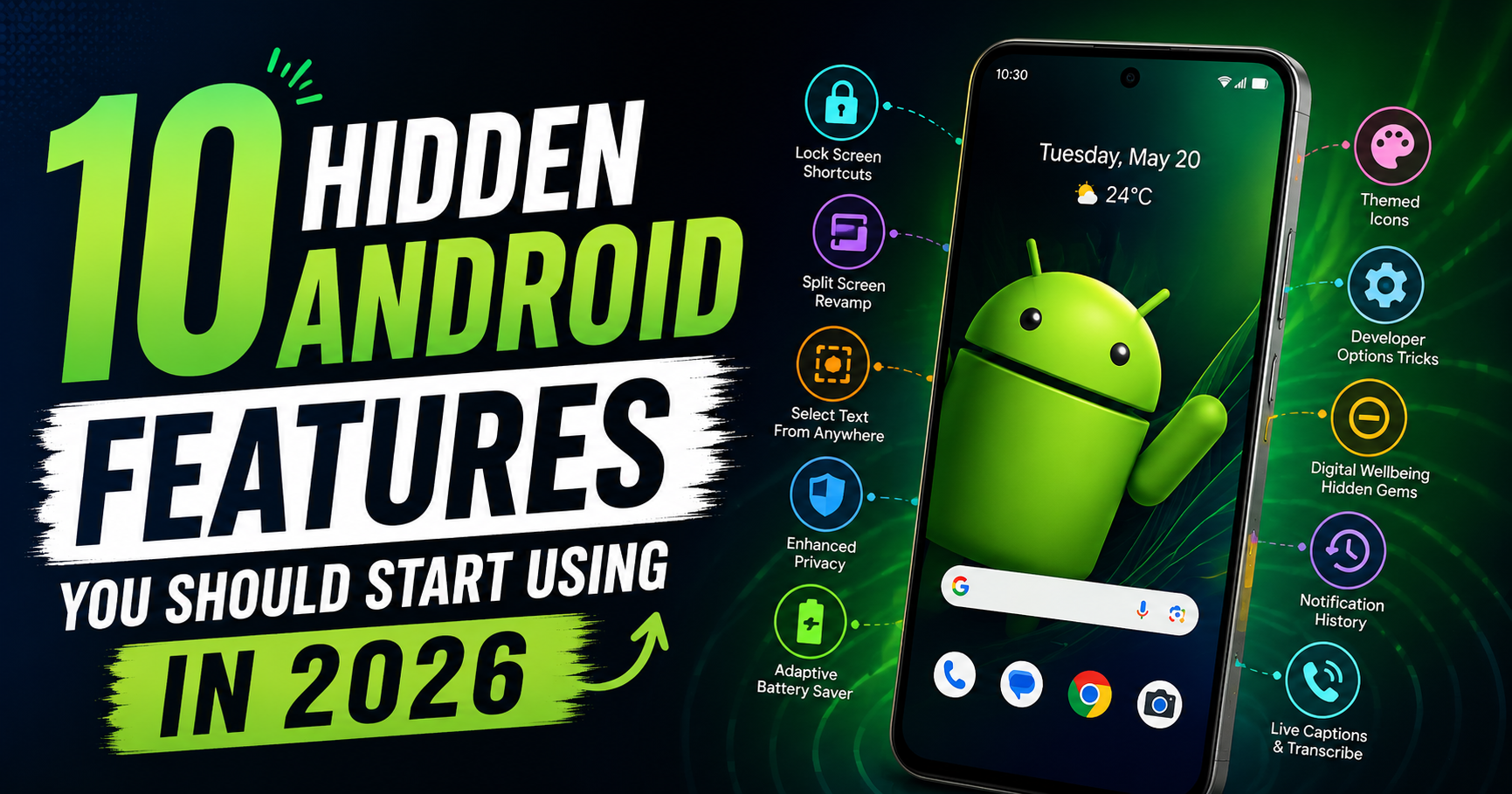
Most Android users only use basic smartphone features like calling, messaging, social media, and taking photos. But modern Android phones are packed with powerful hidden features that can improve productivity, privacy, battery life, and overall user experience.
Many of these features remain unnoticed because they are buried inside settings menus or rarely discussed. If you start using them, your Android phone can become faster, smarter, and more useful in daily life.
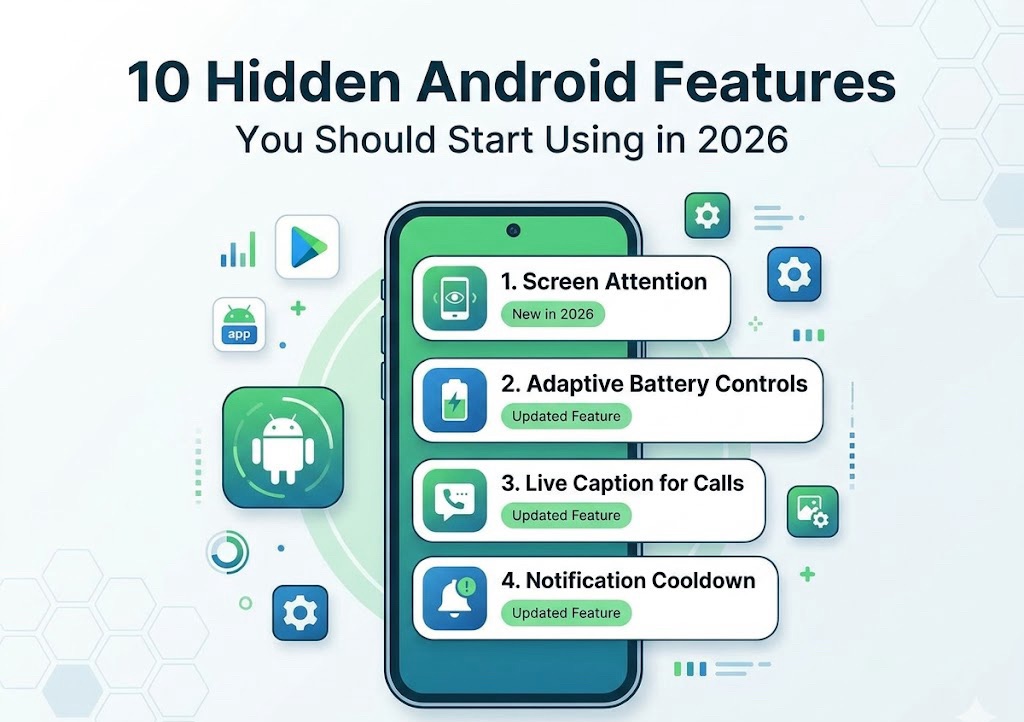
In this article, we explore the 10 hidden Android features you should start using in 2026.
Why Hidden Android Features Matter
Android smartphones now come with advanced tools designed to make life easier.
Benefits of Using Hidden Features
- Better battery life
- Improved privacy and security
- Faster phone performance
- Easier multitasking
- More productivity
Most users never explore these settings, which means they miss out on useful functionality.

1. App Permission Manager
Many apps secretly access your camera, microphone, or location.
How to Use
- Open Settings
- Go to Privacy
- Tap Permission Manager
What It Does
- Shows which apps access sensitive data
- Lets you disable unnecessary permissions
- Improves privacy and battery life
This is one of the most important Android privacy features in 2026.
2. Live Caption
Android can automatically generate captions for videos and audio—even offline.
How to Enable
- Press the volume button
- Tap the caption icon
Benefits
- Helpful during travel
- Useful in noisy environments
- Supports accessibility
Many users don’t know this feature already exists on Android.
3. Split Screen Multitasking
You can use two apps at the same time.
Examples
- Watch YouTube while chatting on WhatsApp
- Browse Chrome while taking notes
- Attend online classes while using Google Docs
How to Enable
- Open recent apps
- Tap the app icon
- Select Split Screen
This feature improves productivity significantly.
4. Nearby Share
Android’s Nearby Share works like AirDrop for Android devices.
What You Can Share
- Photos
- Videos
- Files
- Apps
Why It’s Useful
It allows fast file transfer without internet access.
5. Hidden Storage Cleaner
Most Android phones include built-in storage optimization tools.
How to Find It
Settings → Storage
Features
- Remove junk files
- Delete temporary cache
- Identify large files
- Free up storage safely
This helps your phone stay fast and smooth.
6. One-Handed Mode
Large phones can be difficult to use with one hand.
How to Enable
Settings → System → Gestures → One-Handed Mode
Benefits
- Easier typing
- Better reachability
- More comfortable usage
Perfect for big-screen Android phones.
7. Digital Wellbeing Dashboard
This feature tracks how much time you spend on apps.
What It Shows
- Screen time
- App usage
- Notification count
Why It Matters
Helps reduce phone addiction and improve focus.
8. App Pinning
App Pinning locks one app on the screen.
Example
If someone borrows your phone, they can only use one app.
How to Enable
- Open Settings
- Go to Security
- Enable App Pinning
Benefits
- Extra privacy
- Useful when sharing your phone
9. Smart Lock
Smart Lock automatically unlocks your phone in trusted situations.
Examples
- At home
- Connected to trusted devices
- While carrying your phone
Why It’s Helpful
Improves convenience without sacrificing security.
10. Adaptive Battery
Android uses AI to optimize battery usage.
How It Works
- Limits background apps
- Learns your usage habits
- Saves battery power
Result
Longer battery life without manual adjustments.
Bonus Hidden Features You Should Try
Quick Tap Gestures
Double tap the back of your phone to:
- Take screenshots
- Open apps
- Control media
Focus Mode
Temporarily blocks distracting apps.
Useful for:
- Studying
- Working
- Productivity sessions
Wi-Fi Password Sharing
Share Wi-Fi using QR codes instantly.
How to Keep Your Android Fast in 2026
Even with hidden features, phone maintenance matters.
Tips
- Clear cache regularly
- Remove unused apps
- Keep storage free
- Update software frequently
Best Android Versions for Hidden Features
Most advanced features work best on:
- Android 13
- Android 14
- Android 15
Some features may vary depending on brand:
- Samsung
- Xiaomi
- OnePlus
- Realme
- Vivo
Are Hidden Android Features Safe?
Yes, built-in Android features are generally safe.
However
- Avoid unknown third-party apps
- Check permissions regularly
- Keep your device updated
Common Mistakes Android Users Make
Avoid these mistakes:
- Ignoring privacy settings
- Installing too many apps
- Never clearing storage
- Disabling important updates
- Using unsafe cleaner apps

Why Android is Becoming Smarter
Modern Android phones now use:
- AI optimization
- Better security systems
- Advanced multitasking
- Cloud integration
This makes Android devices more powerful than ever.
Hidden Features That Save Battery
Some features directly improve battery life:
- Adaptive Battery
- Dark Mode
- Background app restrictions
- Battery saver mode
Using these can noticeably increase screen-on time.
Features Students Should Use
Students can benefit from:
- Split Screen
- Focus Mode
- Google Keep
- Nearby Share
These features improve productivity and study efficiency.
Features Useful for Professionals
Working professionals should use:
- Smart Lock
- Outlook integration
- File sharing tools
- One-handed mode
These save time during daily work.
Android vs iPhone Hidden Features
Android offers:
- More customization
- Better multitasking
- Flexible settings
- Greater control over apps
This is why many power users prefer Android devices.
Future of Android Features
In the future, Android will likely focus more on:
- AI assistants
- Smart automation
- Better privacy
- Cross-device syncing
The Android ecosystem continues to evolve rapidly.

Final Thoughts
Android phones have many powerful features that most users never explore. By using these hidden tools, you can improve privacy, increase battery life, multitask better, and make your phone smarter overall.
Start with features like Split Screen, Nearby Share, Adaptive Battery, and Permission Manager. These small changes can completely transform your Android experience in 2026
Instead of installing unnecessary apps, learn how to use the features your Android phone already offers.